v2rayNG is an Android-specific V2Ray client application that offers a simple and user-friendly graphical user interface, allowing users to easily configure and use V2Ray proxy services on their mobile devices.
It supports various protocols and network protocols, including VMess, VLESS, Shadowsocks, and SOCKS. This allows users to bypass network restrictions, protect their privacy and security, and enhance their network experience. Users can choose the appropriate protocol and proxy method based on their specific needs. It is suitable for Android phones and some Android-based TVs or set-top boxes.
This article provides a detailed guide on how to quickly install, configure, and use the v2rayNG application for scientific networking on Android systems.
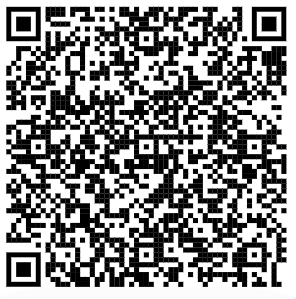
v2rayNG official download link: https://github.com/2dust/v2rayNG/releases or open your browser on your phone and scan the QR code below to download.
e will now provide a detailed guide on how to configure it.
This guide only explains how to import the airport subscription URL by scanning a QR code. Other methods are more complex and less convenient to use on a phone. If you prefer to use other methods, you can explore them yourself.
3.2.1. How to obtain the subscription QR code?
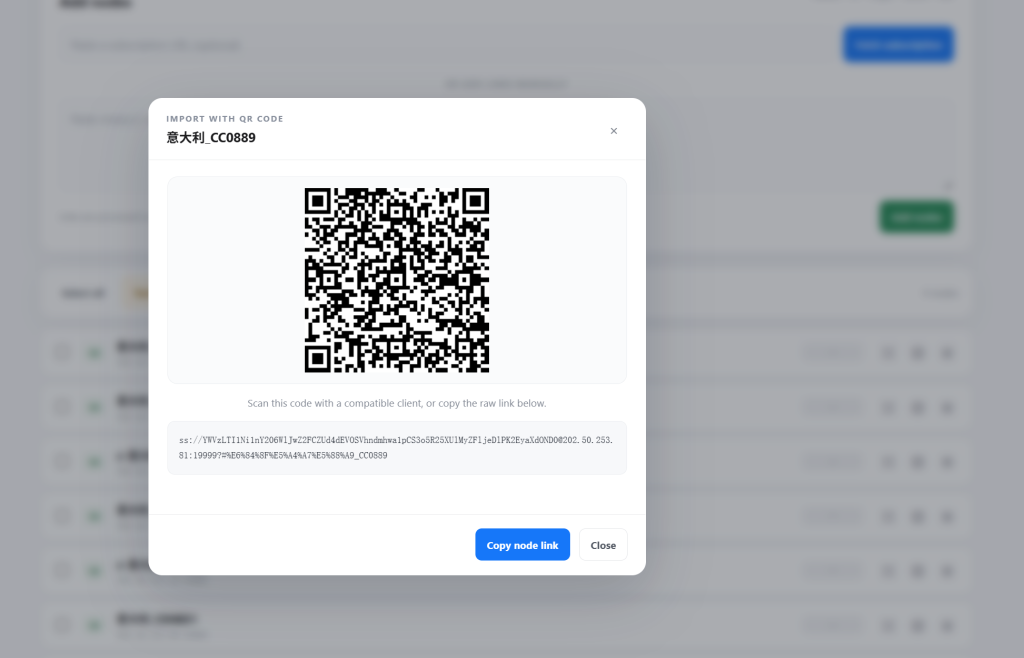
This part is simple. You don’t need to type in technical details.
1- Open v2rayNG. It will look like a blank list at first.
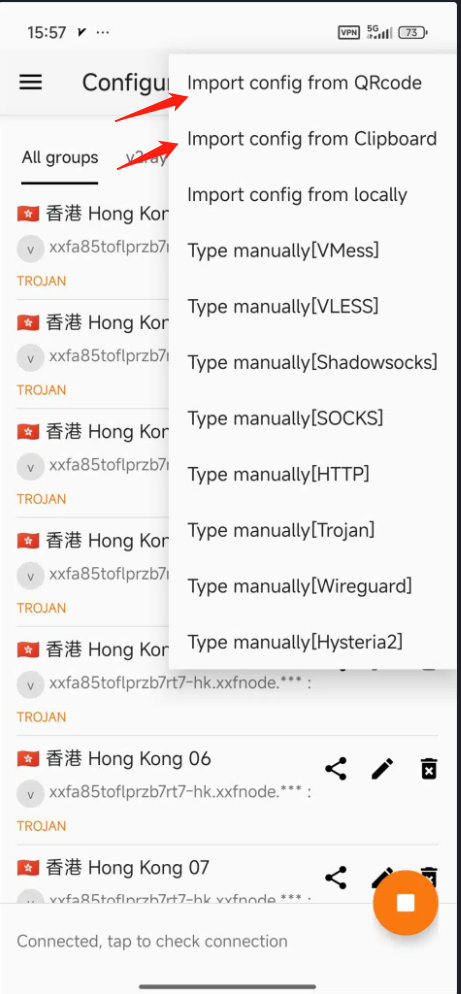
2- Tap the “+” icon in the top right corner.
3- Import your config. * If you copied the link, tap “Import config from Clipboard.”
4- Select the server. Tap the new item in your list. A side bar will highlight to show it’s selected.
5- Connect. Tap the large circular Play button at the bottom right.
6- Confirm. The button will turn Orange. You’re now connected!