 windows:https://apps.microsoft.com/detail/9p0hc000twv5
ios: https://apps.apple.com/us/app/wallhaven/id6762083126
Wallhaven for Windows Review: An Unofficial 4K Wallpaper Client I Actually Kept Installed
Disclosure: this is a hands-on review of a third-party, unofficial Wallhaven client for Windows. I paid for the unlock myself. The app is not affiliated with or endorsed by wallhaven.cc.
I’ve tried roughly every wallpaper tool on Windows over the years, and most get abandoned within a week. This one stuck. It’s a native WinUI 3 client that pulls from the Wallhaven library, and after about two weeks of daily use it’s finally replaced the browser-tab routine I’d had for the site.
It’s genuinely good, and it’s also not perfect. Here’s the honest version.
What it actually is
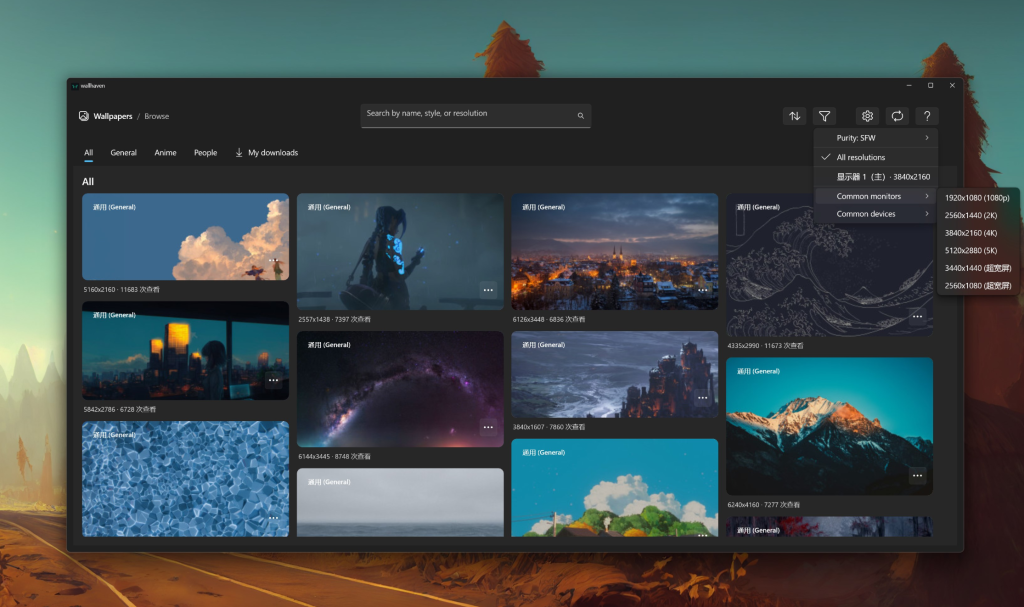
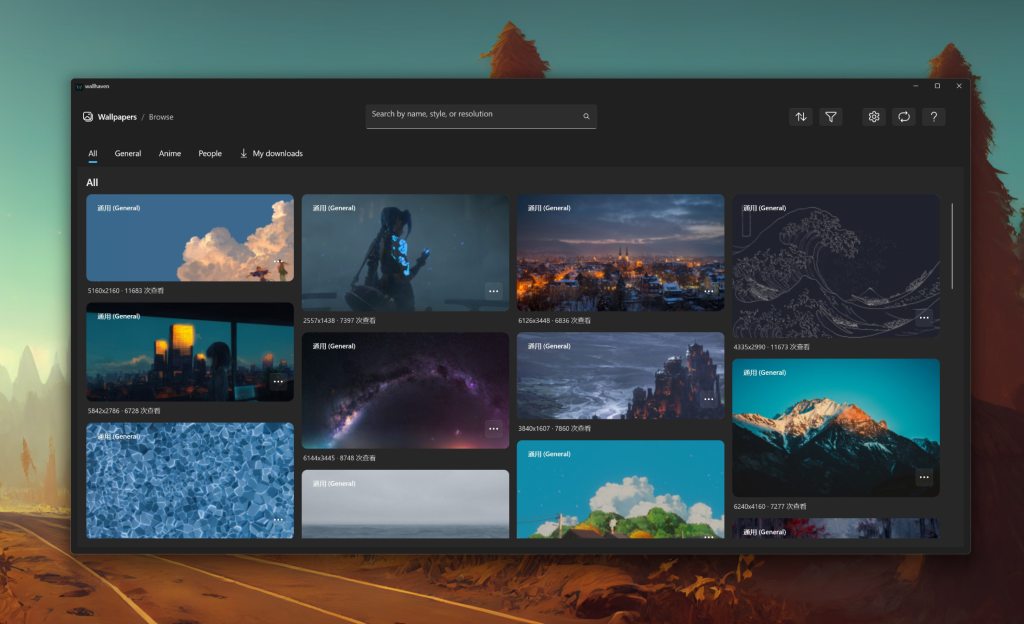
Wallhaven itself is a website, and a very good one, but it’s still a website: no tray icon, no auto-rotation, no way to apply a wallpaper without downloading it first. This app wraps the public Wallhaven API in a real Windows program. It uses the Fluent / Mica look, so it blends into Windows 11 instead of feeling like a repainted web page, and it minimizes to the system tray so rotation keeps running after you close the window.
What I liked
- Resolution matching is the killer feature. It detected my monitor and filtered the gallery to images that actually fit. No more downloading a “4K” wallpaper that turns out to be a stretched 1080p shot.
- Auto-rotation with real controls. Interval from 1 minute to 30 days, sequential or random, and you can point it at your downloads folder, the newest uploads, or a specific category. I set mine to random-latest every hour and left it alone.
- Multi-monitor targeting. On a two-display setup I could give each screen its own source. Rare to see done this cleanly in a free-tier app.
- Desktop and lock screen in one click. Small thing, but it saves the manual Windows-settings dance every single time.
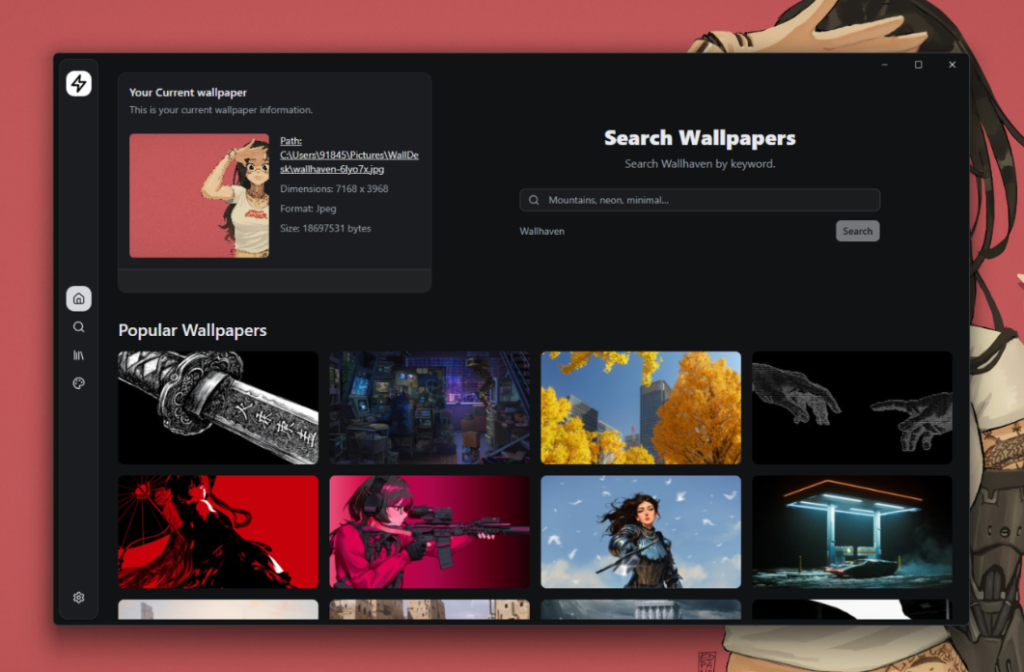
- Import your own images. It doubles as a manager for wallpapers you already have on disk.
What I didn’t
Being fair matters more than selling you something, so here’s the downside:
- The paywall is on the best feature. Browsing and previewing are free, and you get a 3-wallpaper trial, but automatic switching needs a purchase or subscription. Reasonable for the developer, but it stings if you came specifically for rotation.
- It leans on your connection. It’s an online client, so a slow or blocked network makes the gallery sluggish. There is a mirror/data-source setting to work around this, but it’s aimed at more technical users.
- Content safety needs a second look. Wallhaven uses an SFW / sketchy / NSFW rating system. The app defaults to safe content, and restricted categories require your own API key, but it is community-uploaded material — keep that in mind for work or family machines.
- It’s a small, unofficial project. It carries the “wallhaven” name but has no affiliation with the site, so don’t expect a big company’s support turnaround.
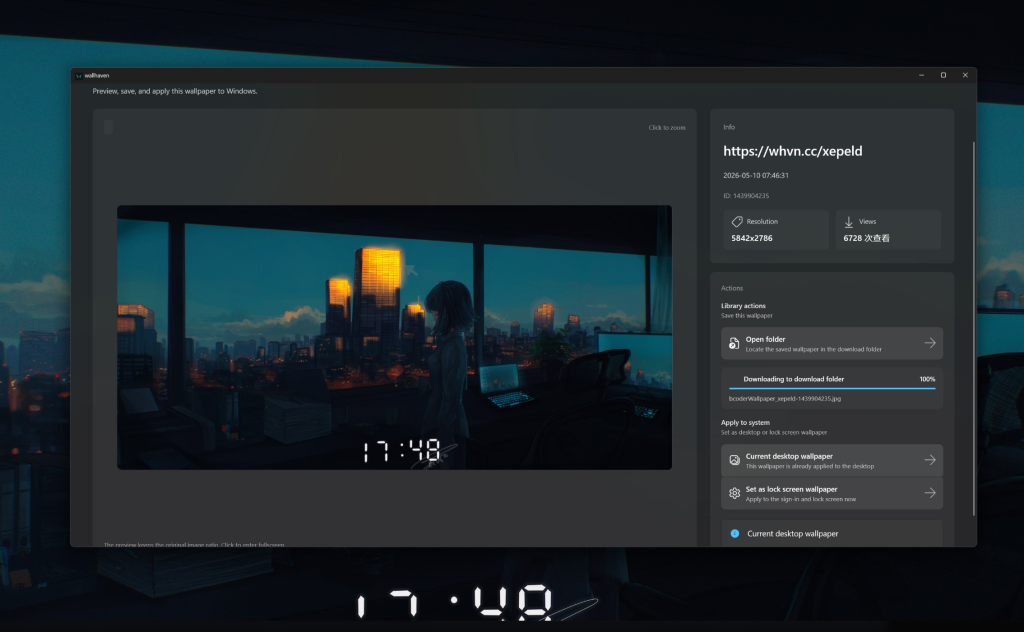 The auto-switch settings — where most of the value lives.
How it compares to the alternatives
| Feature | This Wallhaven client | Wallpaper Engine | Lively Wallpaper |
|---|---|---|---|
| Price | Free trial + unlock | ~$4 one-time (Steam) | Free / open source |
| Built-in huge image library | Yes (Wallhaven) | Community Workshop | No |
| Auto-rotate from online source | Yes | Limited | No (local) |
| Live / animated wallpapers | No | Yes (best in class) | Yes |
| Static 4K/8K photo focus | Yes (its strength) | Secondary | Manual |
| Multi-monitor per-screen source | Yes | Yes | Yes |
Short version: if you want animated desktops, Wallpaper Engine is still king. If you mainly want a bottomless supply of sharp static 4K/8K photos with automatic rotation, this Wallhaven client is the most direct path I’ve found on Windows.
Who should install it
Owners of high-resolution or multi-monitor setups who like a clean photo desktop and don’t want to babysit a browser tab. If you’re after live widgets or heavy customization, look elsewhere — and if the paywall on auto-rotation bothers you, Lively Wallpaper is free but can’t pull from an online library.
Verdict
It’s a focused, native-feeling tool that does one job — getting Wallhaven’s library onto your Windows desktop, and keeping it fresh — better than doing it manually. The trial is enough to decide, and for me it decided itself in about a day. Just go in knowing the rotation feature isn’t free and that this is a third-party project, not an official Wallhaven product.
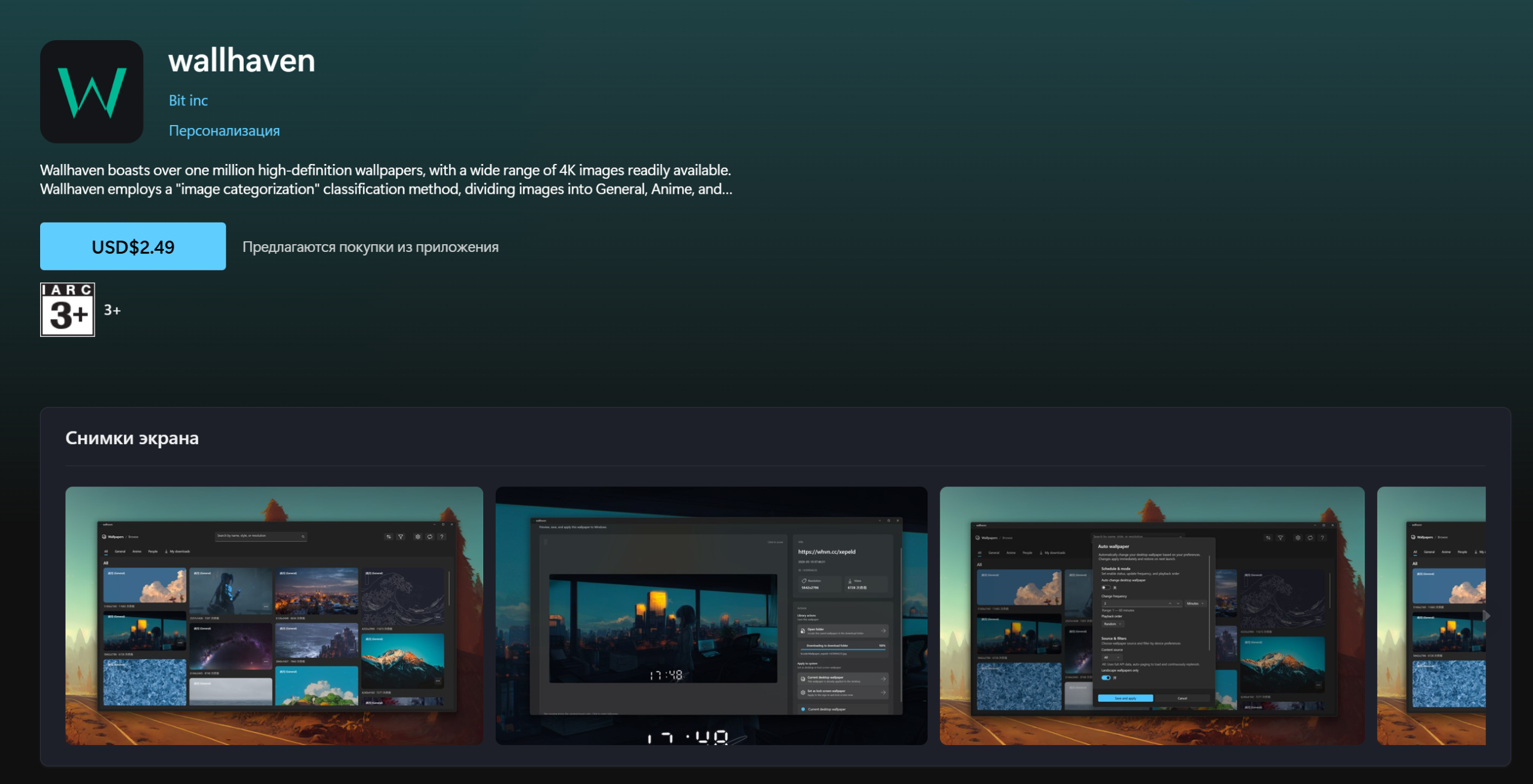
Available on the Microsoft Store (search for “wallhaven” by Bit inc). Check the Store listing for the current price and terms.
Frequently asked questions
Is there an official Wallhaven app for Windows?
No. wallhaven.cc publishes no official desktop app. This is a third-party client that reads the public Wallhaven API, and all wallpapers remain the copyright of their original creators.
How do I auto-rotate wallpapers on Windows 11?
Windows’ built-in slideshow only rotates a local folder. This client rotates on a schedule straight from the online library or your downloads, sequentially or randomly, from one minute up to 30 days.
Is it free?
Browsing, searching and previewing are free, plus a 3-wallpaper trial. Automatic switching requires a one-time purchase or subscription through the Microsoft Store.
Does it support multiple monitors?
Yes, including applying a wallpaper to a specific display and letting auto-switch target one monitor or all of them.